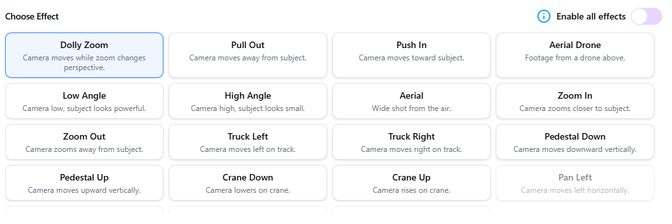
PhotoAIVideo offers multiple camera effects to bring your images to life. Here’s what each effect does:
- Dolly Zoom – Camera moves while zoom changes perspective
- Pull Out – Camera moves away from the subject
- Push In – Camera moves toward the subject
- Aerial Drone – Simulates footage from a drone above
- Low Angle – Camera is positioned low, making the subject look powerful
- High Angle – Camera is positioned high, making the subject look smaller
- Aerial – Wide shot from above
- Zoom In – Camera zooms closer to the subject
- Zoom Out – Camera zooms away from the subject
- Truck Left – Camera moves left on a horizontal track
- Truck Right – Camera moves right on a horizontal track
- Pedestal Down – Camera moves downward vertically
- Pedestal Up – Camera moves upward vertically
- Crane Down – Camera lowers on a crane motion
- Crane Up – Camera rises on a crane motion
- Pan Left – Camera moves left horizontally
- Pan Right – Camera moves right horizontally
- Orbit Left – Camera circles around the subject to the left
- Orbit Right – Camera circles around the subject to the right