If you are creating virtual tours for real estate listings, it’s important that your tours meet MLS (Multiple Listing Service) compliance rules. CloudPano makes it easy to produce MLS-compliant tours that can be safely shared with brokers and listed properties.
✅ Steps to Create an MLS-Compliant Tour
Start a New Tour in CloudPano
- Log in to your CloudPano account.
- Click Create Tour and upload your 360° images.
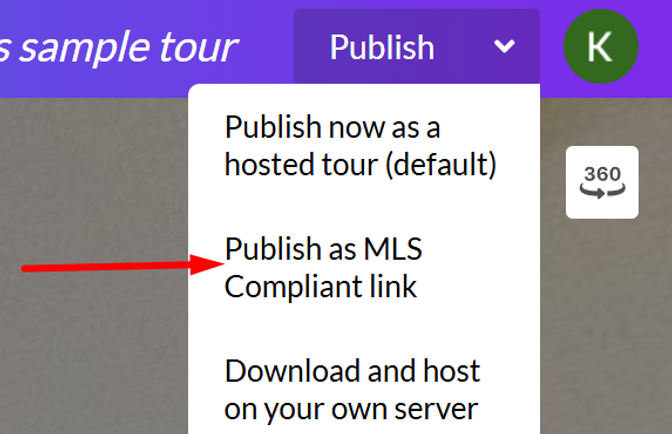
- Set up your hotspots, then click the dropdown arrow next to the Publish button and select “Publish as MLS-Compliant Link.”